
Table of Contents
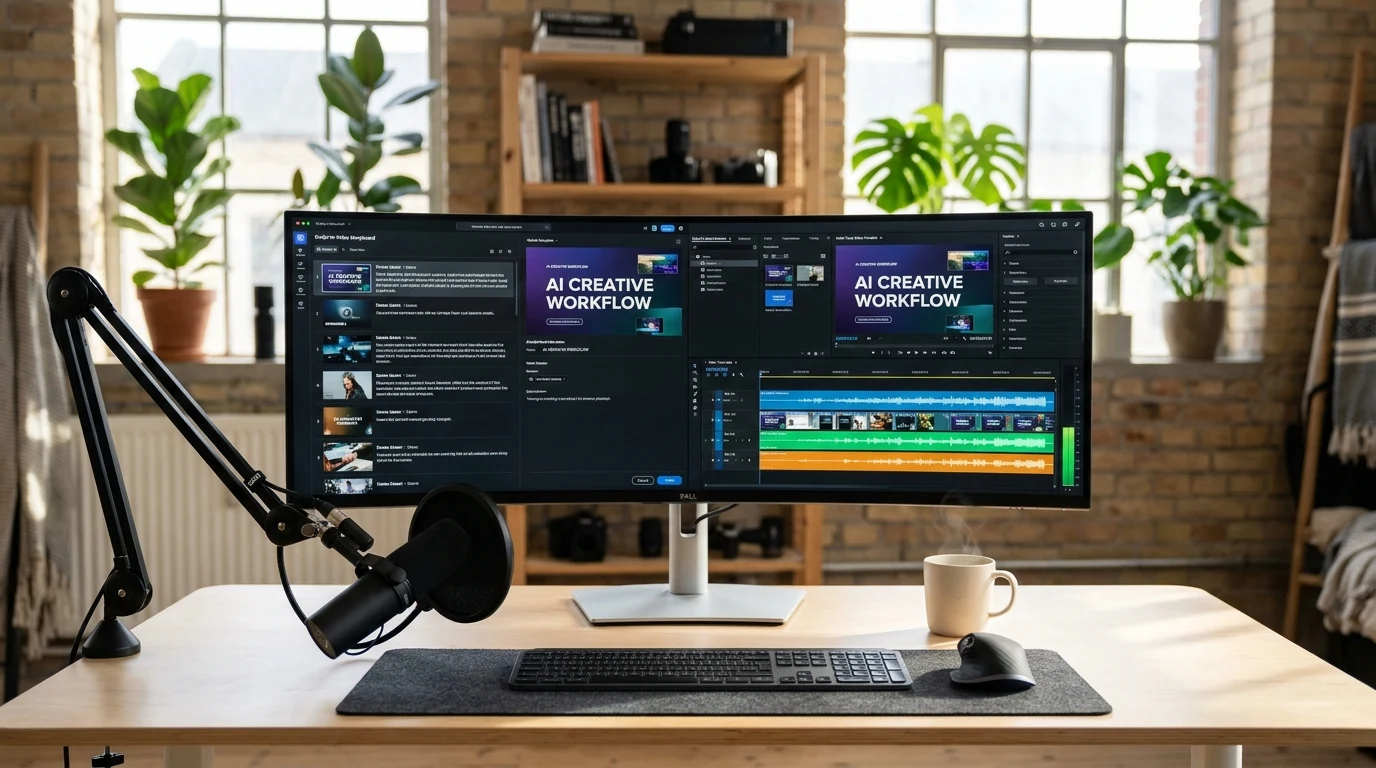
Trying to scale your video content without spending hours cutting clips in Premiere Pro or talking to a camera? Pictory AI and InVideo are two of the most popular AI-driven video platforms on the web today, but they are built for fundamentally different creative starting points.
The quick version: Pictory AI is an unrivaled tool for content repurposing — taking your existing blog posts, long articles, webinars, or meeting recordings and automatically converting them into captioned, B-roll-backed video clips in minutes. InVideo (specifically InVideo AI) is designed for generating videos from scratch — you type an idea or a creative prompt, and its AI agent drafts a script, selects visuals, and builds a complete multi-track video on an editable timeline. Neither tool is universally better; it comes down to whether you already have written content to transform or want AI to generate fresh videos from a prompt.
We have an affiliate partnership with Pictory AI. InVideo is an independent comparison benchmark — we do not have an affiliate relationship with them. We review both platforms objectively based on actual plan limits, rendering realities, and user feedback.
Core Workflow: Repurposing Written Assets vs Prompt-to-Video Creation
Understanding how each tool expects you to start will save you frustration right out of the gate.
Pictory AI’s superpower is text transformation. If you already have written content — a blog URL, a newsletter script, a podcast transcript, or a 50-slide PowerPoint presentation — Pictory ingests it directly. The AI scans your text, breaks it into digestible storyboard scenes, automatically highlights key sentences, and matches each sentence with contextual B-roll clips from its stock library. Even better is its text-based transcript editor: when you upload a recorded webinar or talking-head video, Pictory generates an interactive transcript. If you delete a sentence or remove “um” and “uh” filler words in the text, Pictory automatically splices those exact seconds out of the video without you ever touching a timeline razor tool.
InVideo AI operates as a generative creative agent. Instead of pasting long pre-written articles, you typically start with a concept prompt: “Create a 60-second YouTube Short explaining 3 common budgeting mistakes for young professionals, with an upbeat narrator and cinematic visuals.” InVideo’s AI writes the narration script, selects background music, chooses scenes, and formats the captions automatically. If you want changes, you can type conversational commands like “make the intro punchier” or “swap the third scene for a city skyline.”
The workflow verdict: If you are a blogger, course instructor, or content marketer sitting on a goldmine of written text and transcripts, Pictory turns that text into video with almost zero manual intervention. If you want to launch a faceless YouTube or TikTok channel from scratch with simple topic ideas, InVideo’s prompt-driven engine is much faster.
B-Roll Quality and Visual Assets: Curated Stock vs Generative AI
The visual quality of your B-roll determines whether your video looks professional or cheap:
Pictory AI relies on curated real-world stock footage. It features deep native integrations with Storyblocks and Getty Images, granting access to more than 10 million licensed, high-definition stock video clips. Because these are real camera-shot clips, your videos look grounded, corporate-ready, and polished. You will not see weird six-fingered hands or surreal distortions that sometimes plague generative AI imagery. The AI’s keyword-matching algorithm is remarkably smart, but you can easily swap any clip with a single click if the first suggestion misses the mark.
InVideo blends stock libraries with generative video models. InVideo provides a massive stock collection (including premium iStock media), but it also integrates advanced generative text-to-video models (such as Kling and Veo). That means if your script requires a specific visual that does not exist in any stock video repository — like an astronaut drinking coffee on Mars — InVideo can generate custom AI video scenes directly. However, generative clips can occasionally look stylized or slightly artificial, depending on the model tier you use.
Voiceovers and Auto-Captions
Audio clarity and subtitles make or break viewer retention on mobile feeds:
Pictory AI integrates ElevenLabs voices natively on its Professional plan. ElevenLabs is widely considered the gold standard for AI voice generation, delivering nuanced cadence, natural breaths, and convincing emotional inflections across dozens of languages. Pictory also excels at automatic captioning: its speech-to-text engine boasts a 95%+ accuracy rate, with styled caption presets (including popular kinetic word-by-word animation styles popularized on TikTok and Instagram Reels).
InVideo AI features a robust native text-to-speech engine and supports voice cloning on higher-tier plans. Because its AI agent automatically pairs appropriate voice accents with script topics (e.g., selecting a calm documentary tone for a history video), the audio selection feels seamless. However, to access top-tier third-party voices, you will need higher plan commitments.
Pricing Tiers and Quotas: Video Minutes vs AI Credits
How each platform measures your monthly usage is fundamentally different and requires careful attention:
Pictory AI charges by “video minutes.” You receive a dedicated pool of video generation minutes each month. For instance, the Starter Plan ($29/month, or $25/month billed annually) provides 200 video minutes per month, though exports are limited to 720p. For serious publishing, the Professional Plan ($59/month, or $35/month billed annually) is the sweet spot: it gives you 600 video minutes, crisp 1080p exports, and unlocks ElevenLabs voice allotments. Using KerryPicks coupon code long61 discounts your subscription by an additional 20%.
InVideo operates on an “AI credit system.” Their Plus Plan (~$60/month, or ~$50/month billed annually) provides 2,000 monthly credits. Credits are consumed whenever you generate new AI scripts, run text-to-video models, or generate synthetic scenes. A significant benefit of InVideo’s model is that manual timeline trimming, editing, and downloading finished videos do not consume credits — only new AI generation calls burn your monthly balance.
| Factor | Pictory AI | InVideo (InVideo AI) |
|---|---|---|
| Core Input | Articles, URLs, scripts, webinar transcripts | Text prompts, topic ideas, templates |
| Quota Model | Monthly video minutes (e.g., 200–600 mins/mo) | Monthly AI credits (e.g., 400–2,000 credits/mo) |
| Entry Price (Annual) | $25/mo (Starter) / $35/mo (Professional) | ~$20/mo (Starter) / ~$50/mo (Plus) |
| Export Resolution | 720p (Starter) / 1080p (Professional) | 1080p / 4K on higher tiers |
| B-Roll Sources | Storyblocks & Getty Images (real footage) | iStock & Generative AI video models |
| Voice Technology | Native ElevenLabs integration (Professional) | Conversational native voices & voice cloning |
| Free Trial | 3 video projects (no credit card required) | Free tier available with watermarks |
| Refund Policy | 15-day money-back guarantee | Standard terms apply |
| KerryPicks Coupon | long61 — 20% discount | Not available (non-affiliate) |
Who Should Choose Which?
Choose Pictory AI if:
- You want to repurpose existing blog posts, newsletters, and long-form articles into video with minimal editing effort
- You host webinars, podcasts, or tutorials and want to edit video simply by cutting text from an automated transcript
- You prefer realistic, professional camera-shot stock B-roll (Getty & Storyblocks) over generative AI imagery
- You value native ElevenLabs voiceover realism paired with accurate kinetic captions for social media
Choose InVideo if:
- You want to start from scratch with a short prompt and have an AI agent write the script, choose visuals, and sequence scenes
- You need a full-featured multi-track timeline editor where you can adjust individual audio layers, transitions, and overlays
- You want access to generative AI video models (like Kling or Veo) to create imaginative scenes that stock libraries do not carry
- You produce social media ads and short-form TikTok/Reels content from broad creative prompts
Neither might be right if: you need complex 3D visual effects, professional Hollywood color grading, or frame-by-frame masking — for those tasks, traditional desktop suites like DaVinci Resolve or Adobe Premiere remain necessary.
How We Researched This
This comparison is based on desk research: published documentation and pricing structures from both platforms, technical video export specifications, and user reviews from content creators as of October 2026. Rendering times and credit consumption will vary depending on your project length, resolution, and third-party model choices. Always verify current plan terms before subscribing.
Ready to turn your written content into engaging video? Check current Pictory AI offers on KerryPicks — use coupon code long61 for 20% off your subscription.
KerryPicks earns an affiliate commission when you purchase through our Pictory AI link at no extra cost to you. InVideo is included as an objective comparison standard. Our analysis reflects independent evaluation of both workflows.
Affiliate Disclosure
Some links may be affiliate links. This may earn KerryPicks a commission at no extra cost to you. Recommendations are based on independent research and analysis. Learn more

Related Articles
 Reviews & Buying Guides
Akko vs Gamakay: Which Budget Mechanical Keyboard Brand Fits Your Setup?
 Reviews & Buying Guides
Carpuride vs In-Dash Stereo: Is a Portable Wireless CarPlay Screen Worth It in 2026?
 Reviews & Buying Guides